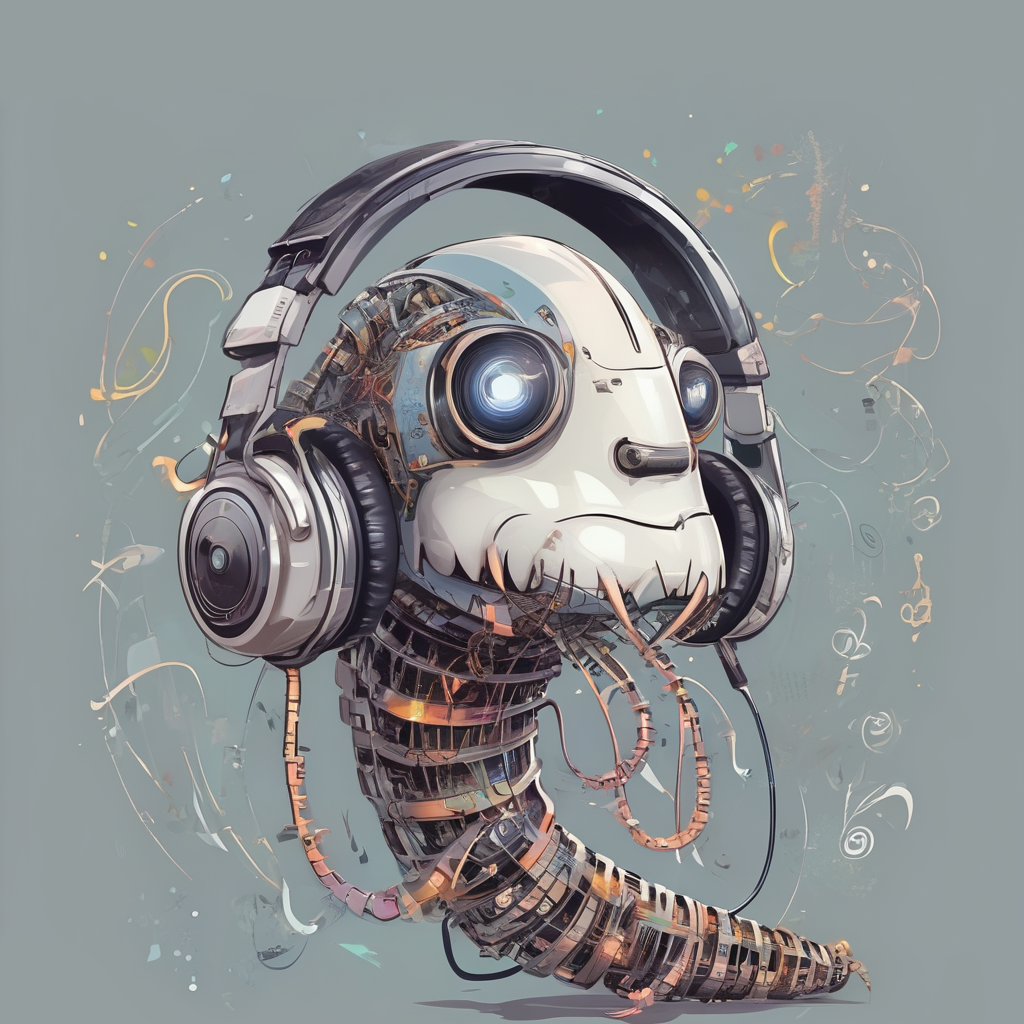
Ohrwurm
Ohrwurm is a user-friendly bot designed to play music in Discord voice chats. Once added to your server, you can request a song using the command `/play {query}`, where query can be a URL to a YouTube video or playlist, or a simple search term. The bot will fetch the song and start playing it. You can pause the music with `/pause`, resume playback with `/resume`, and stop and clear the queue with `/stop`. If the bot is alone in a voice chat, it will automatically leave, but you can also manually make it leave with the `/leave` command. # Deployment To deploy Ohrwurm with Docker, you can use the [provided Docker](https://hub.docker.com/r/jheuel/ohrwurm) image: ```bash docker run -d \ --name ohrwurm \ --restart unless-stopped \ -e DISCORD_TOKEN=YOUR_DISCORD_BOT_TOKEN \ -e DISCORD_APP_ID=YOUR_DISCORD_APP_ID \ -e ADMIN=YOUR_DISCORD_USER_ID \ jheuel/ohrwurm:latest ``` Alternatively, you can create a `docker-compose.yml` file: ```yaml services: ohrwurm: container_name: ohrwurm image: jheuel/ohrwurm:latest restart: unless-stopped env: - DISCORD_TOKEN=YOUR_DISCORD_BOT_TOKEN - DISCORD_APP_ID=YOUR_DISCORD_APP_ID - ADMIN=YOUR_DISCORD_USER_ID ``` and then run the image with `docker compose up`.